Algorithmic Art Tutorial
Algorithmic Art is a creative coding technique that uses code, simple maths and logic to create engaging static or dynamic images. p5.js, the language it was originally designed for, is the best suited. As a JavaScript library, it can be used in the browser without downloading software. Processing.org has created a brilliant web editor that lets you code in your browser and see the results instantly. Simply type your code and it’s translated into a canvas within the web editor. Click the links to download the free PDF.
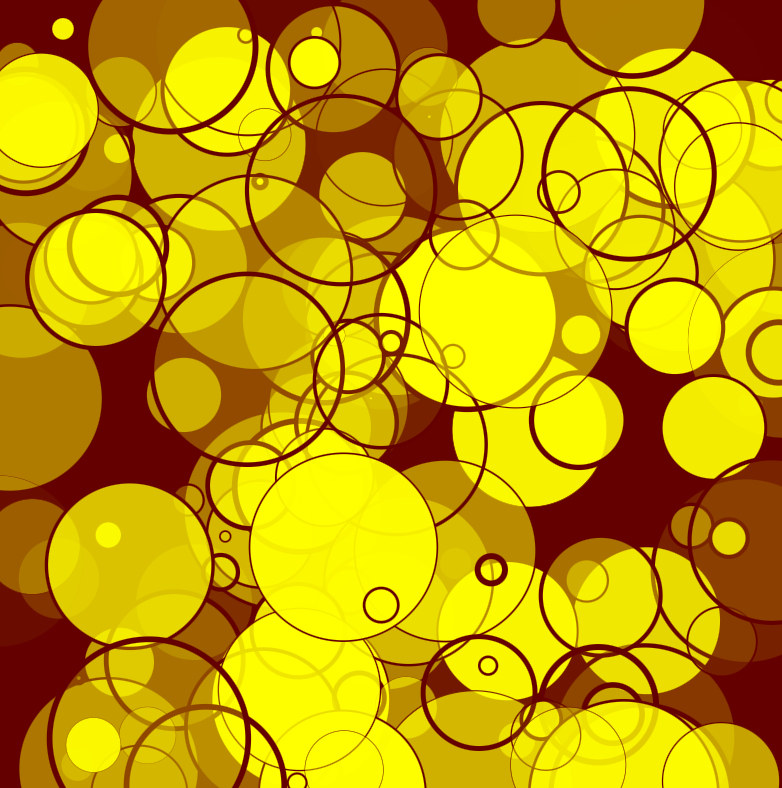


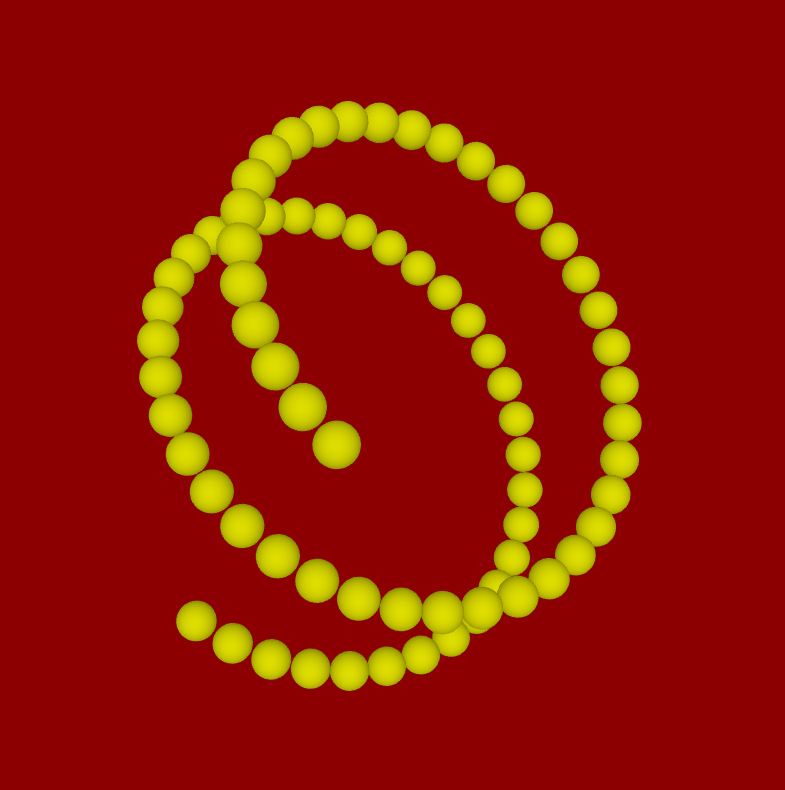
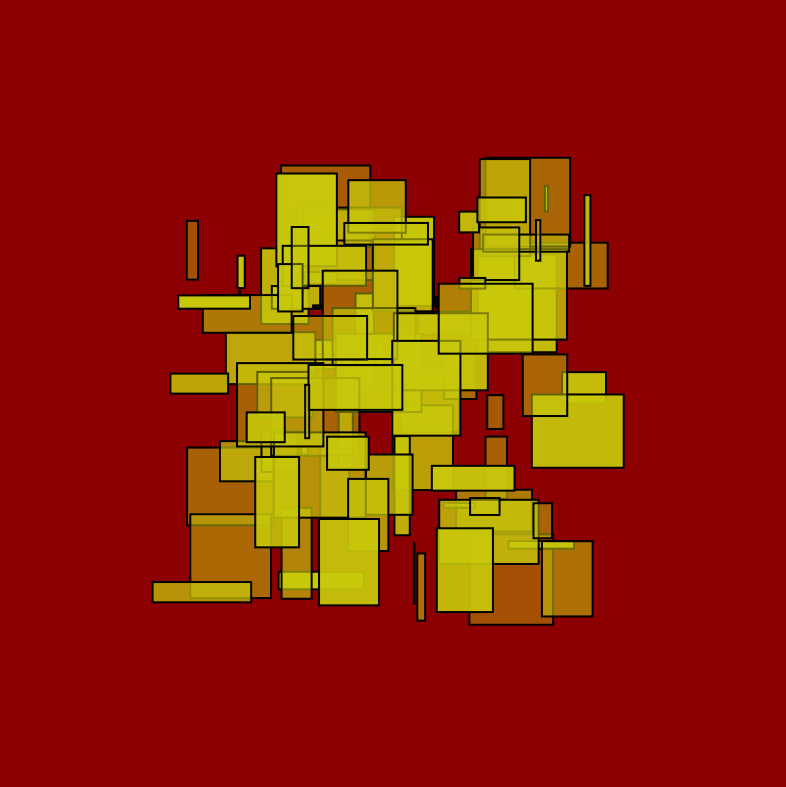
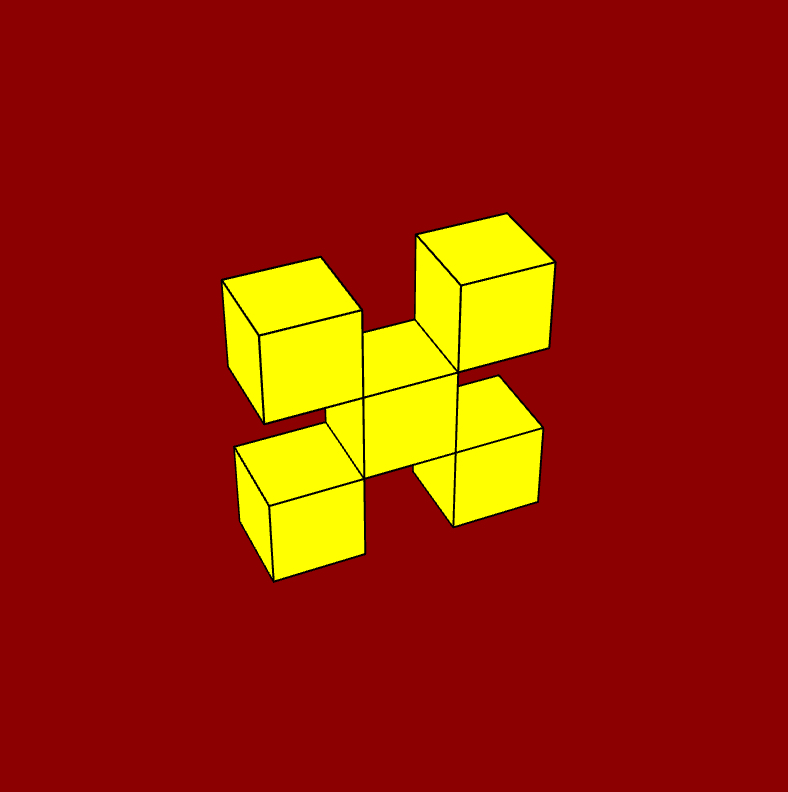
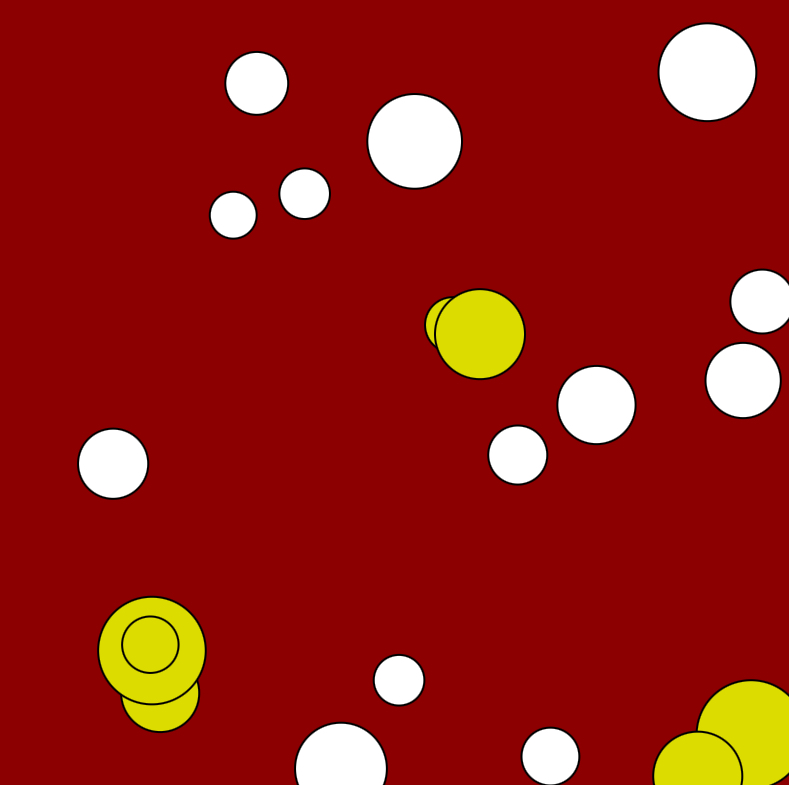
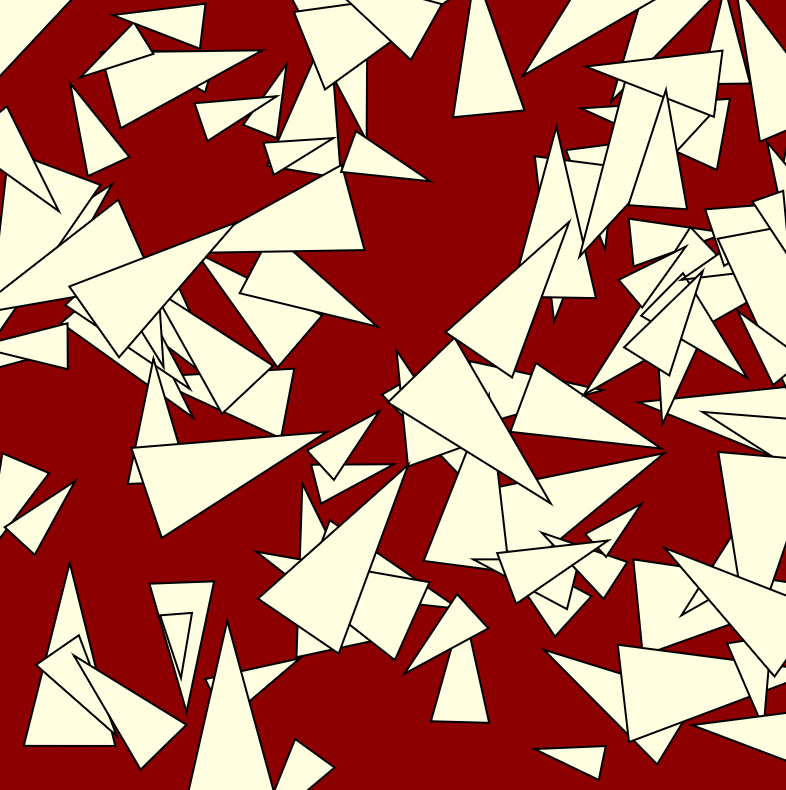

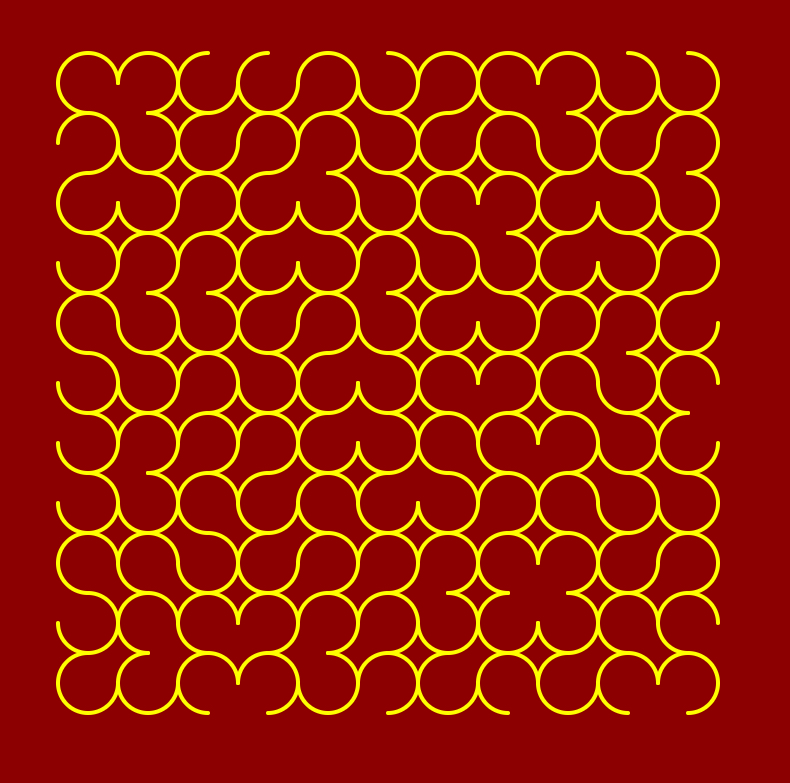
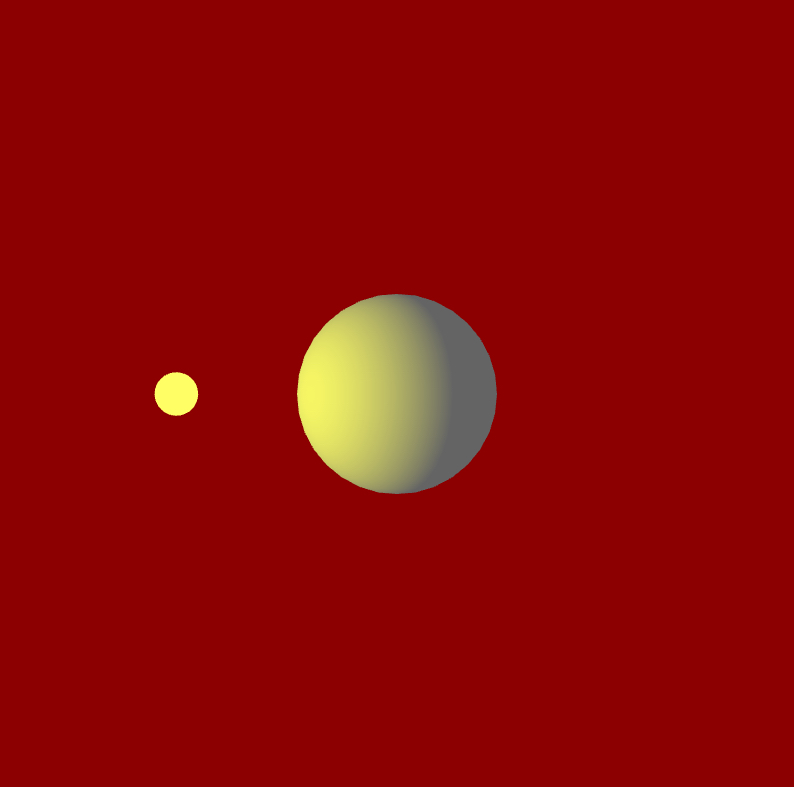
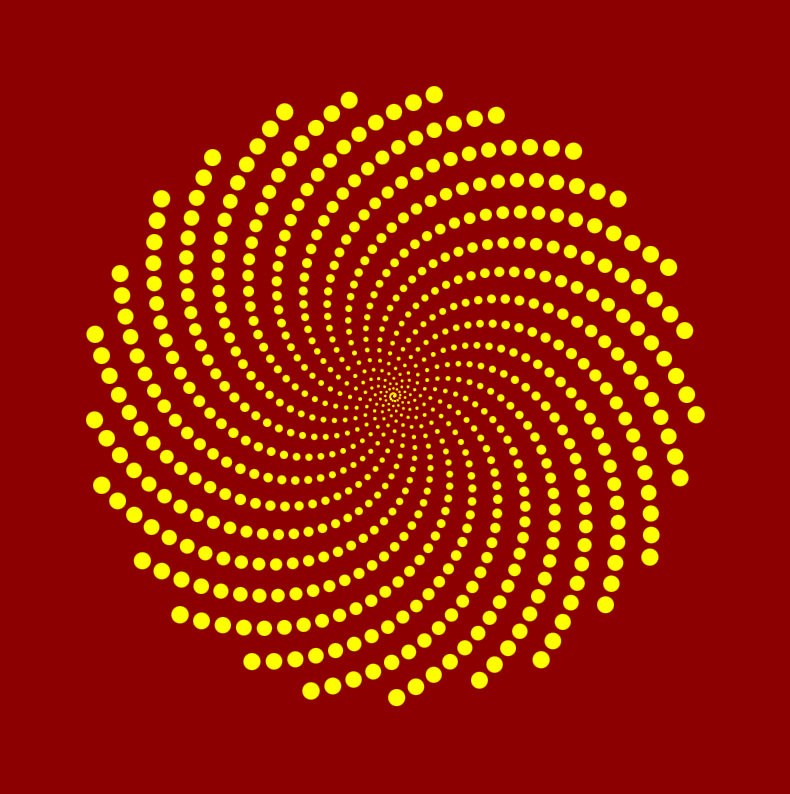
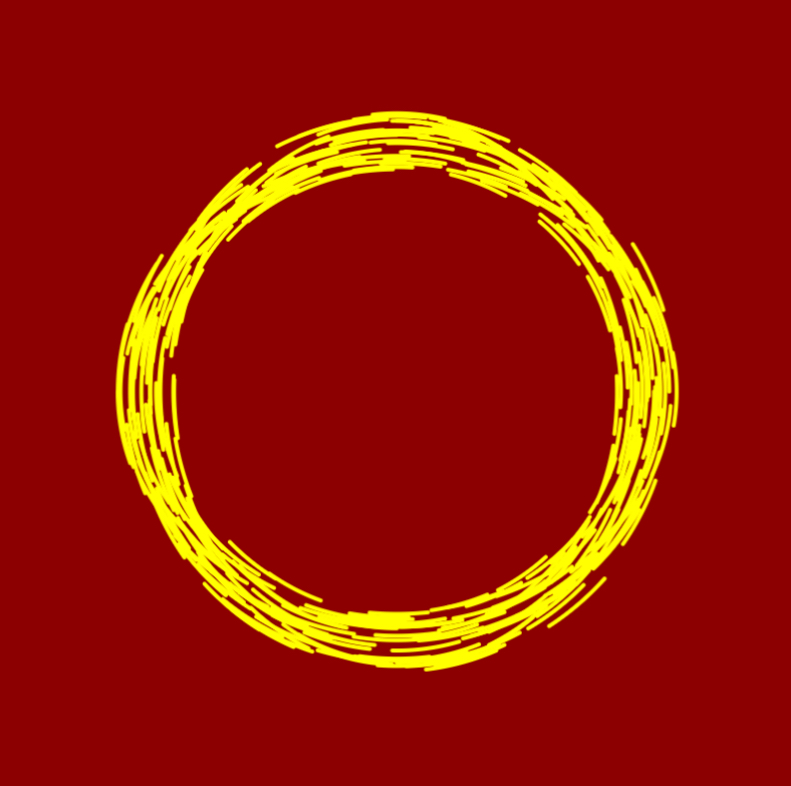
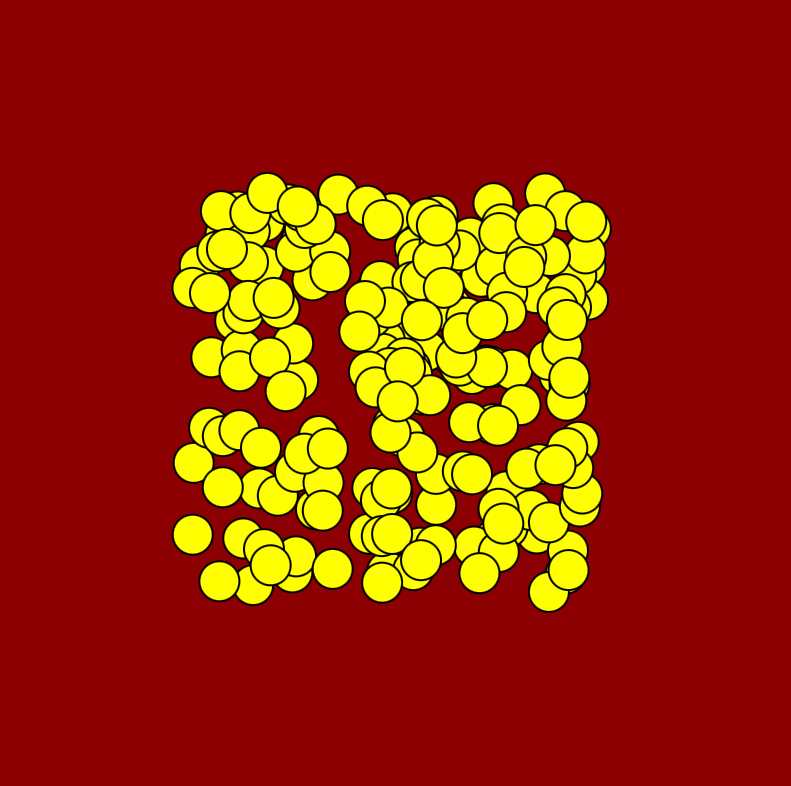


Module A: shapes and loops
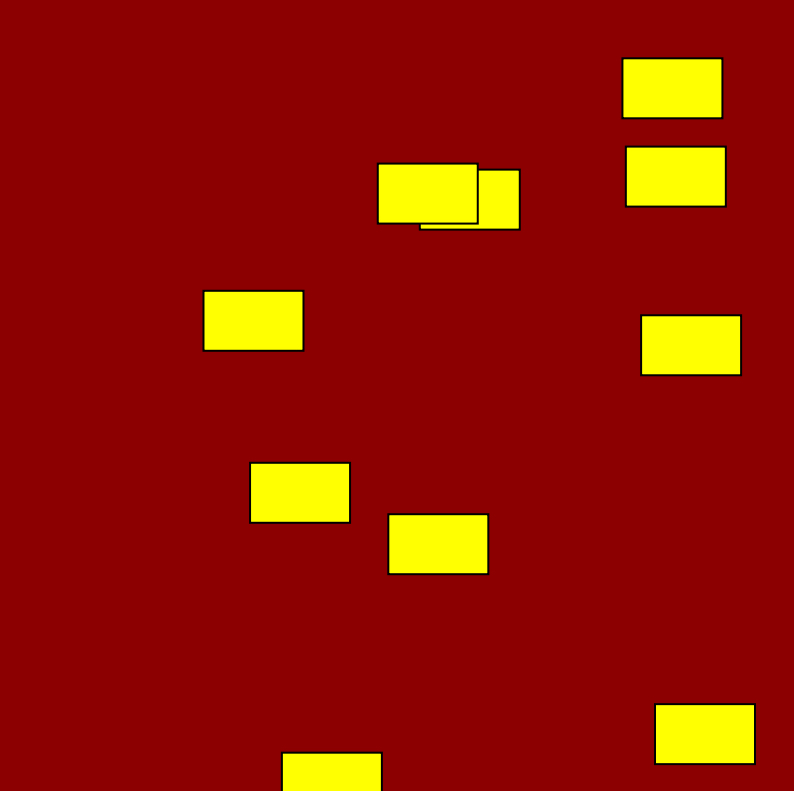
Introduces you to various shapes at your disposal and also to keep concepts that are key to coding in general.
video #1 introducing the web editor (video 🎥)
video #2 the web editor buttons (video 🎥)
video #3 the default code (video 🎥)
Module A Unit #1 exploring the p5.js web editor (pdf 🗒️)
Module A Unit #2 your first circle (pdf 🗒️)
Module A Unit #3 adding RGB (pdf 🗒️)
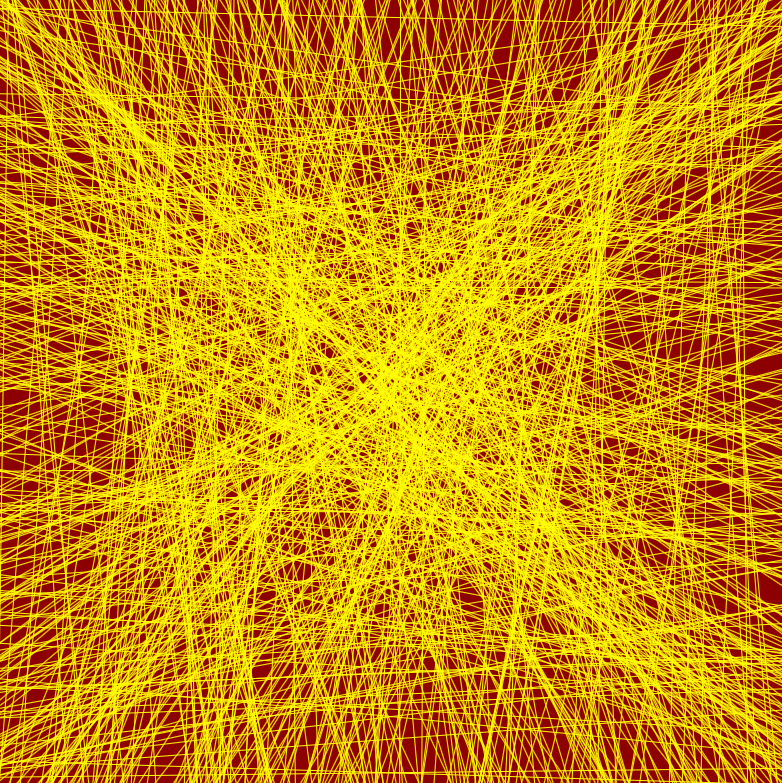
Module A Unit #4 lots of lines (pdf 🗒️)
Module A Unit #5 squares and rectangles (pdf 🗒️)
Module A Unit #6 ellipses and circles (pdf 🗒️)
Module A Unit #7 pixels (pdf 🗒️)
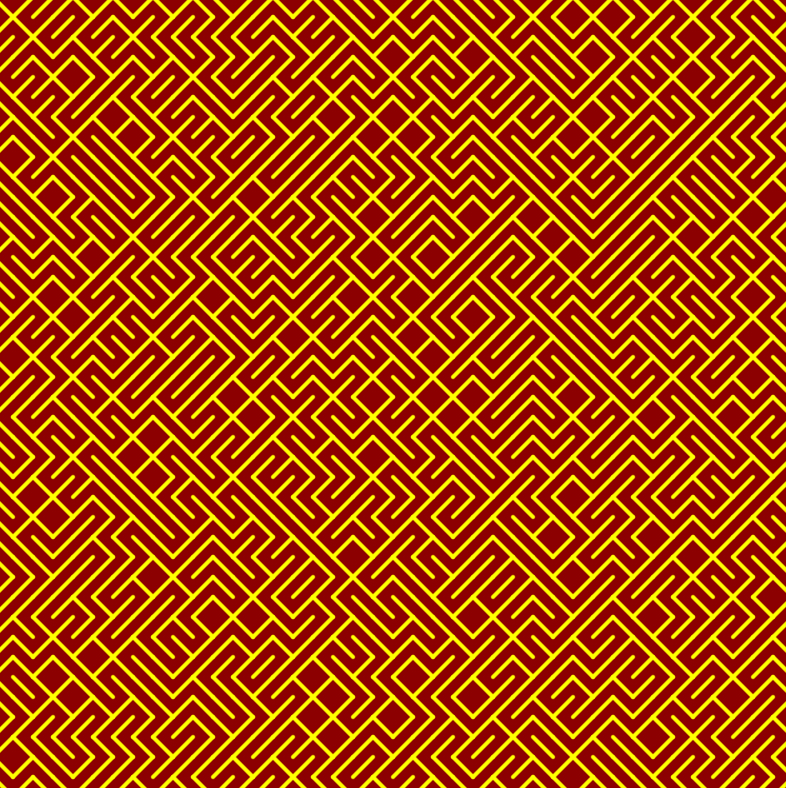
Module A Unit #8 10Print (pdf 🗒️)
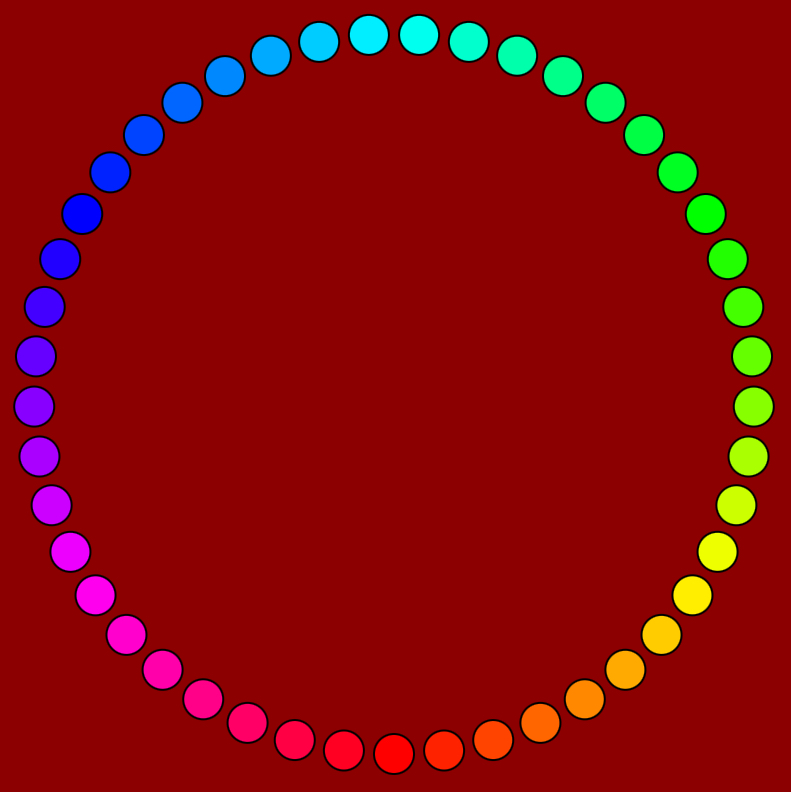
Module B: colour and movement
Adding to the previous module we will now explore movement and further explore colour
Module B Unit #1 bounce and rotate (pdf 🗒️)
Module B Unit #2 orbit and oscillate (pdf 🗒️)
Module B Unit #3 text (pdf 🗒️)
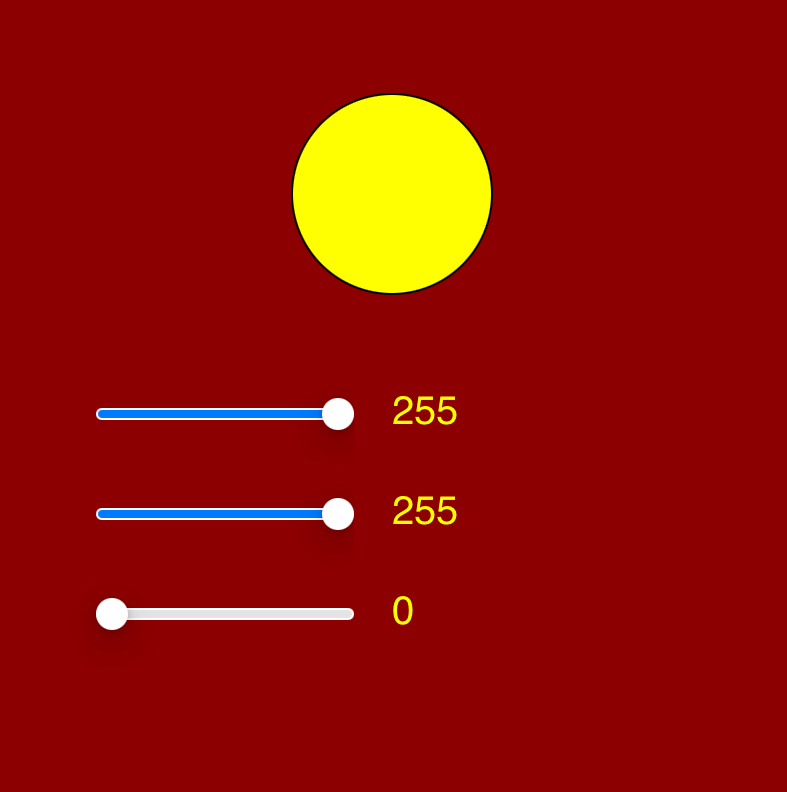
Module B Unit #4 RGB slider (pdf 🗒️)
Module B Unit #5 HSB colours (pdf 🗒️)
Module B Unit #6 colour chart and picker (pdf 🗒️)
Module B Unit #7 arrays (pdf 🗒️)
Module B Unit #8 irregular shapes (pdf 🗒️)
Module B Unit #9 arcs and mapping (pdf 🗒️)
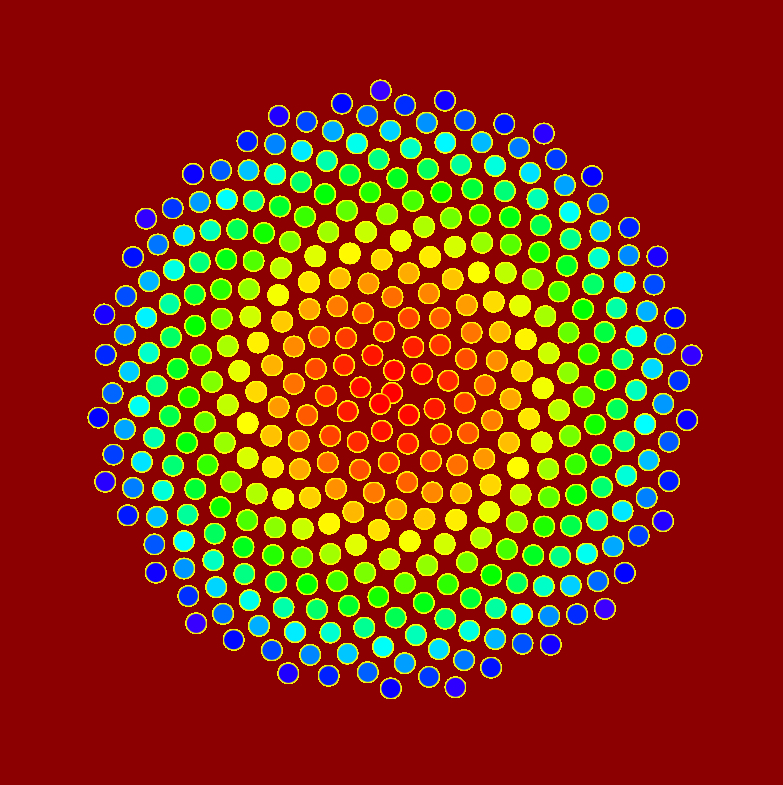
Module B Unit #10 phyllotaxis (pdf 🗒️)
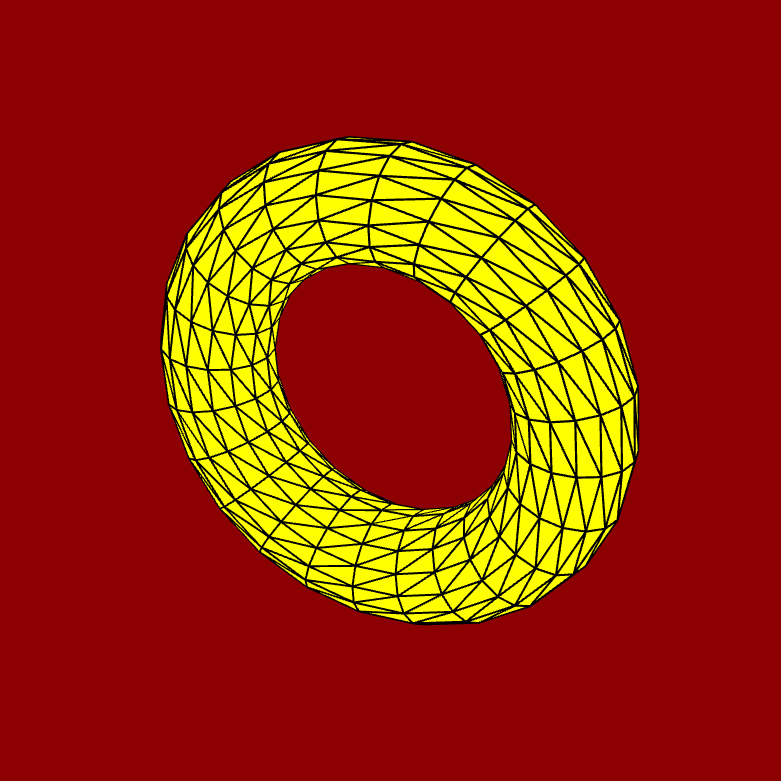
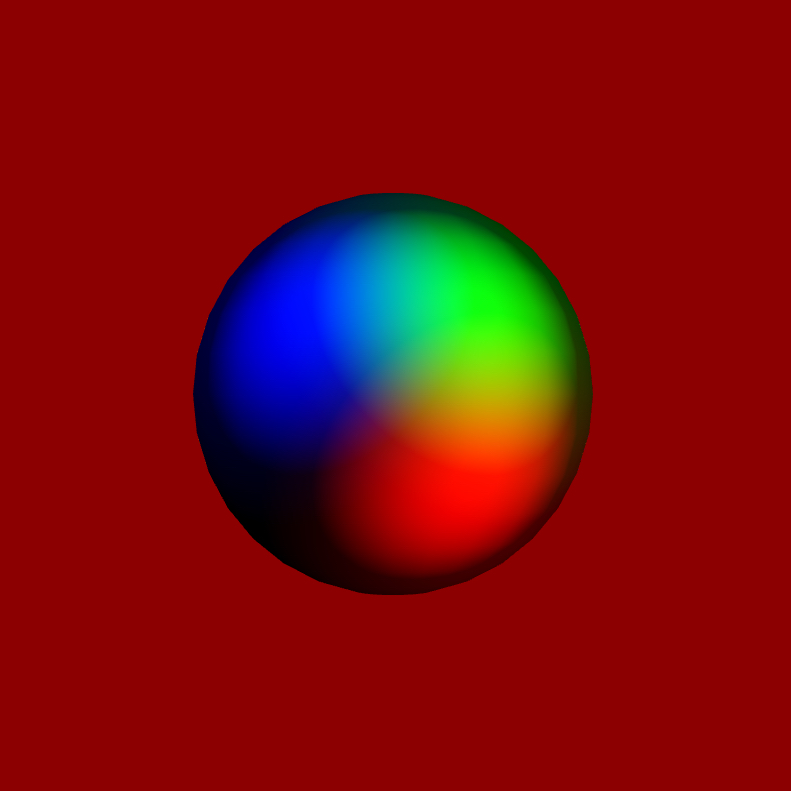
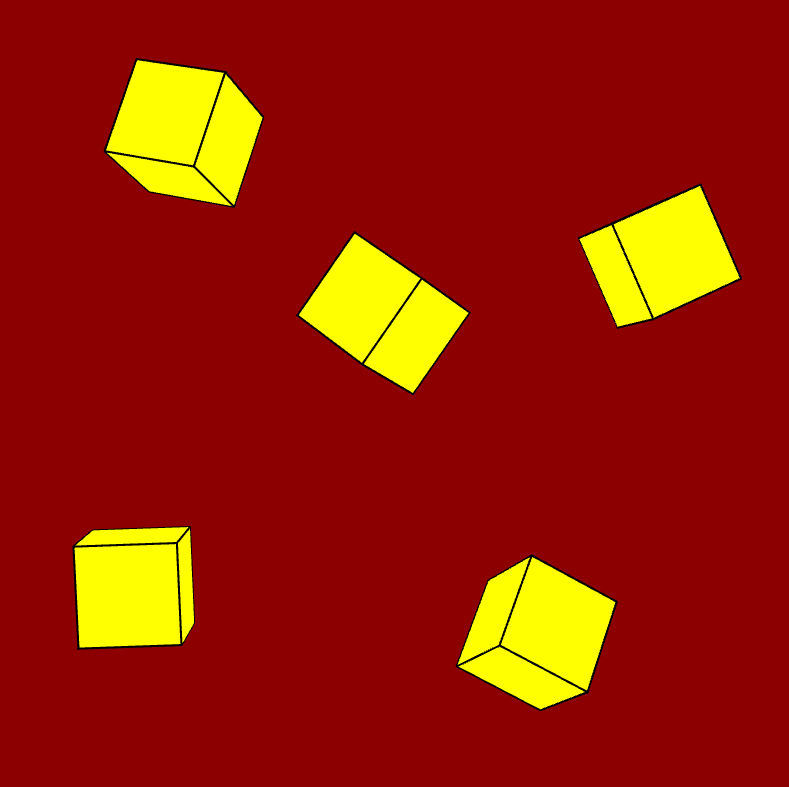
Module C: 3D shapes and light
Now we move from 2D shapes to the wonderful world of 3D shapes
Module C Unit #1 3D shapes (pdf 🗒️)
Module C Unit #2 orbit and smooth (pdf 🗒️)
Module C Unit #3 lights and material part 1 (pdf 🗒️)
Module C Unit #4 lights and material part 2 (pdf 🗒️)
Module C Unit #5 graphics texture (pdf 🗒️)
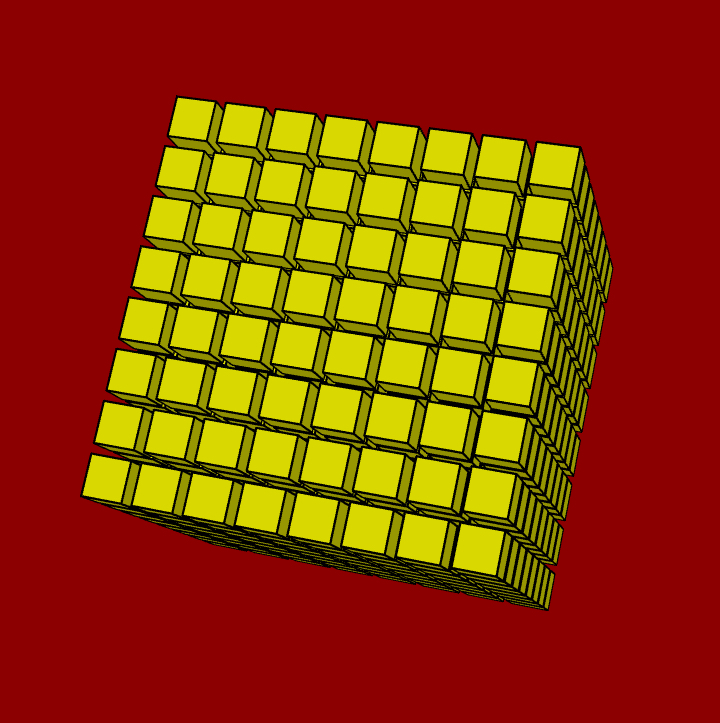
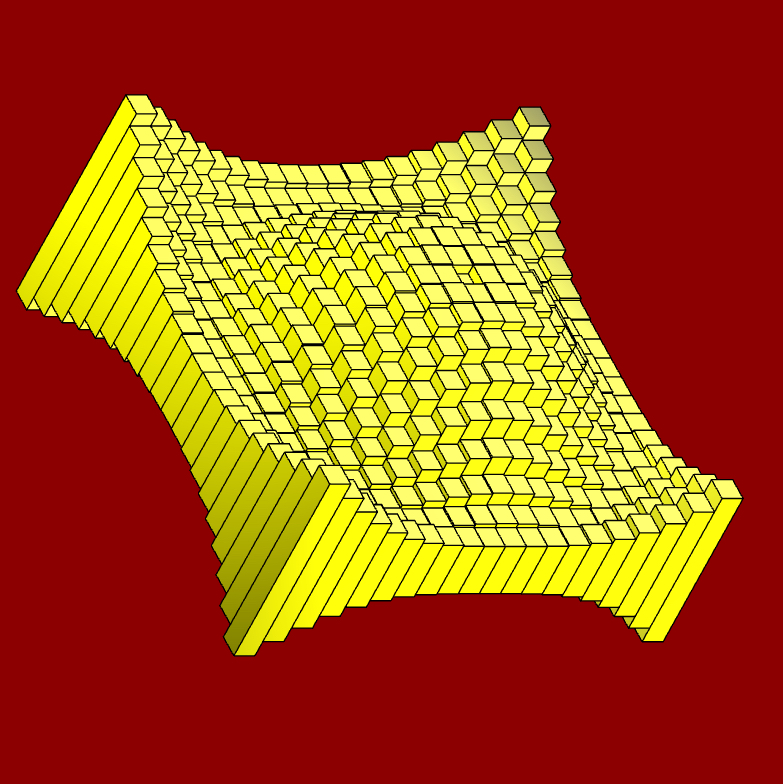
Module C Unit #6 cube wave (pdf 🗒️)
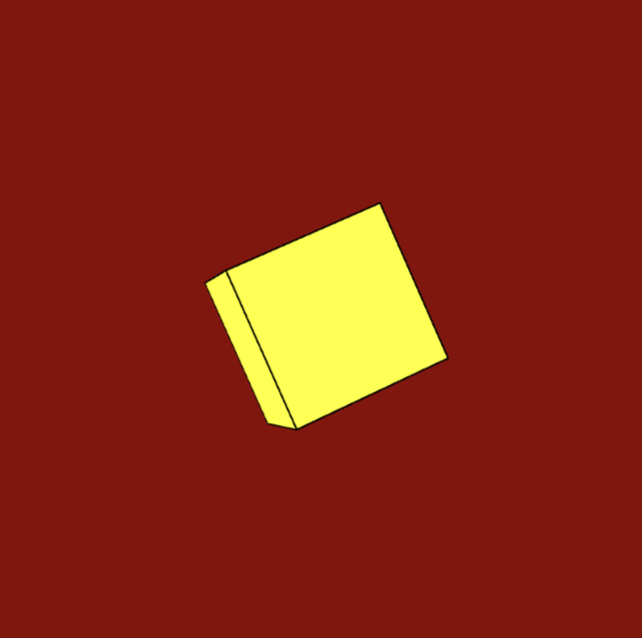
Module D: classes and arrays
An introduction to using classes in your coding and more on arrays
Module D Unit #1 functions and classes (pdf 🗒️)
Module D Unit #2 another class (pdf 🗒️)
Module D Unit #3 an array of objects (pdf 🗒️)
Module D Unit #4 push and splice (pdf 🗒️)
Module D Unit #5 the overlap (pdf 🗒️)
Module D Unit #6 pixel arrays (pdf 🗒️)
Module D Unit #7 arrays part 1 (pdf 🗒️)
Module D Unit #8 arrays part 2 (pdf 🗒️)
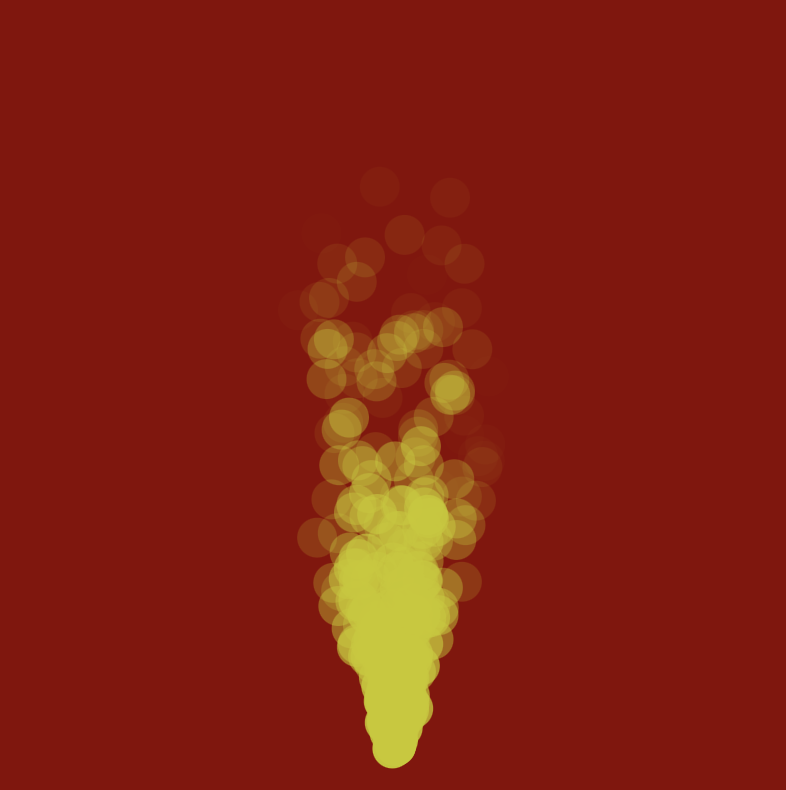
Module E: particles and perlin
This module covers two important concepts for art, they are particles and perlin noise
Module E Unit #1 creating and uploading files (pdf 🗒️)
Module E Unit #2 perlin noise (pdf 🗒️)
Module E Unit #3 2D perlin noise (pdf 🗒️)
Module E Unit #4 smoke and fire (pdf 🗒️)
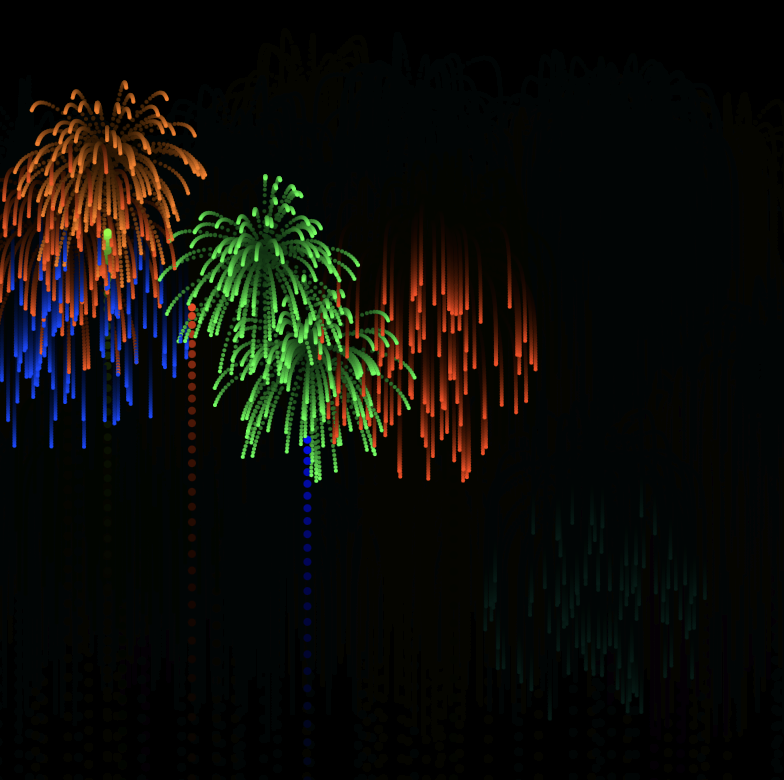
Module E Unit #5 firework display (pdf 🗒️)
Module E Unit #6 perlin flowfield (pdf 🗒️)
Module F: sound and vision
This module mostly explores using videos, images and sound files.
Module F Unit #1 the keyboard and mouse (pdf 🗒️)
Module F Unit #2 HTML (pdf 🗒️)
Module F Unit #3 video capture (pdf 🗒️)
Module F Unit #4 image files (pdf 🗒️)
Module F Unit #5 the sound of music (pdf 🗒️)
Sound File for Module F Unit #5 jam (mp3 🎼)
Module F Unit #6 the miscrophone (pdf 🗒️)
Module F Unit #7 telling the time (pdf 🗒️)
Module F Unit #8 local storage (pdf 🗒️)
Module F Unit #9 using json files (pdf 🗒️)